
How to use the paint calculator
- Paintable area (m²): Net area to paint; subtract doors and windows yourself.
- Coats: Number of complete paint coats.
- Coverage (m²/L): Coverage per liter per coat from the paint label.
- Extra allowance (%): Extra paint allowance for waste and touch-ups.
- Select Calculate to see the result. Change any input and calculate again to compare.
Worked example
40 m² with 2 coats at 10 m²/L plus 10% needs 8.8 liters.
Formula and assumptions
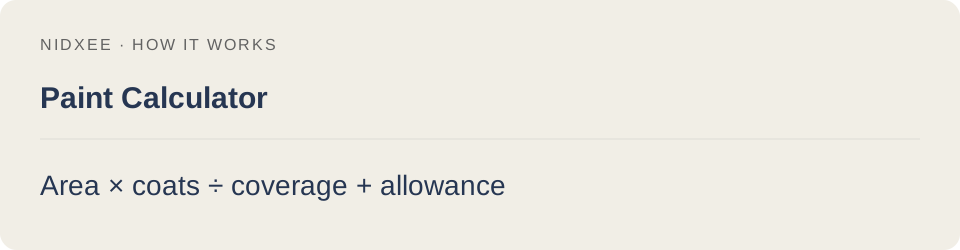
Area × coats ÷ coverage + allowance.
Actual coverage depends on surface, paint and application. Round up to available can sizes.
Common questions
Why might my result differ from another estimate?
Actual coverage depends on surface, paint and application. Round up to available can sizes. Keep the same inputs and rounding when comparing tools.
Are my entries saved?
No. Calculations run on your device. Reloading or closing this page may clear your entries.