
How to use the average calculator
- Numbers: Enter up to 1,000 numbers separated by commas, spaces or new lines. Use a period for decimals; do not use thousands separators.
- Select Calculate to see the result. Change any input and calculate again to compare.
Worked example
10, 20, 30 and 40 have a mean and median of 25.
Formula and assumptions
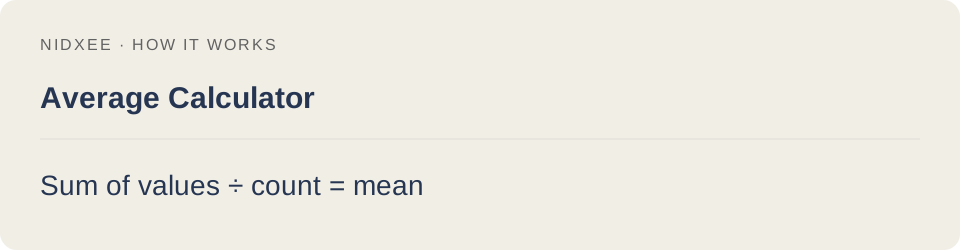
Sum of values ÷ count = mean.
Each entry has equal weight. Commas separate values and are not thousands separators.
Common questions
Why might my result differ from another estimate?
Each entry has equal weight. Commas separate values and are not thousands separators. Keep the same inputs and rounding when comparing tools.
Are my entries saved?
No. Calculations run on your device. Reloading or closing this page may clear your entries.